
ZenMaidZ
ZenMaid
Feb 4

Total decimal hours for each appointment

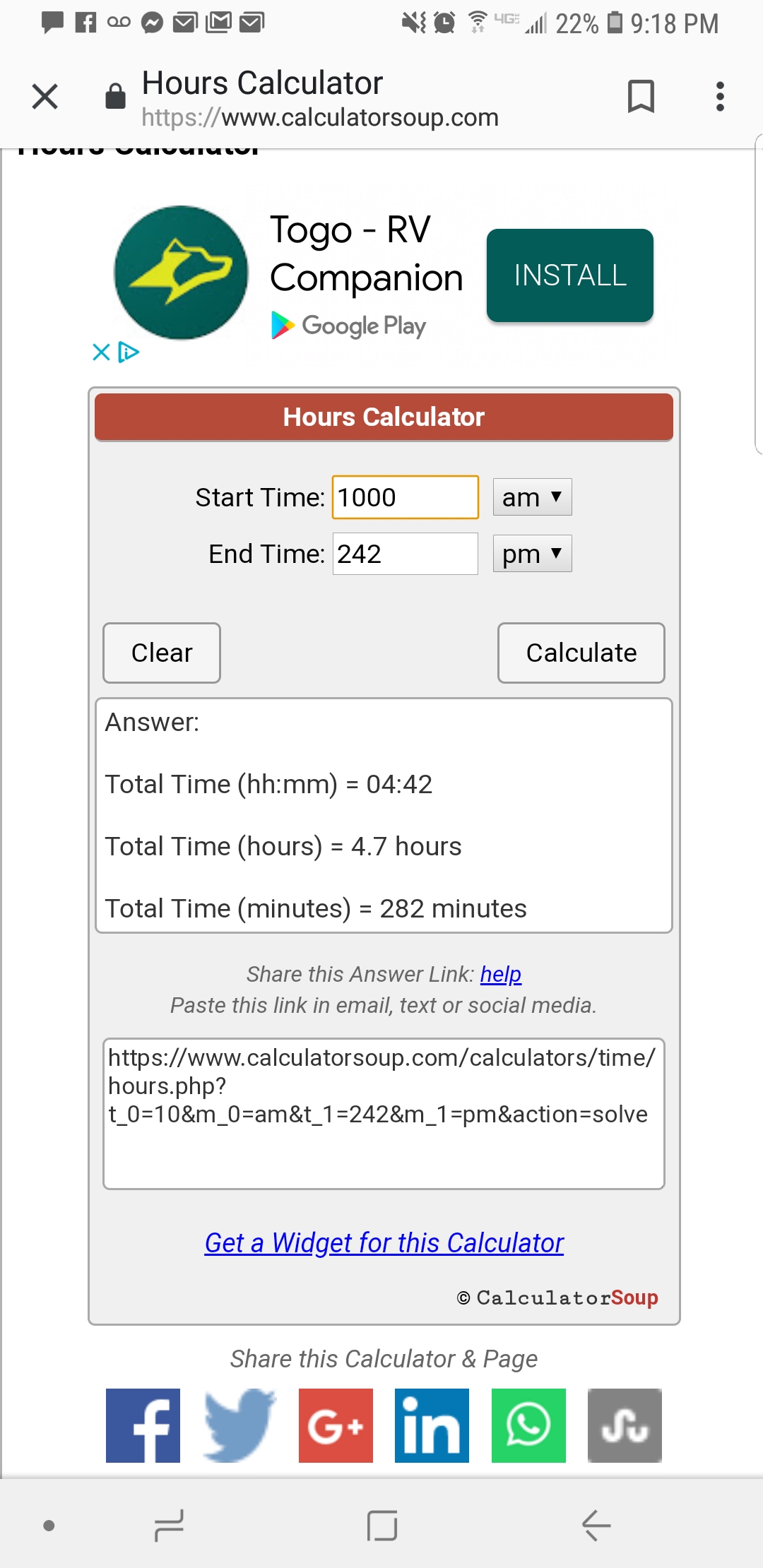
I would like to be able to see how many hours employees worked at each house not just the clock in and out time and be able to tell the decimal amount .For example clock in time 10am clock out 2:42 .Total decimal hours 4.7.That way we can calculate what to charge hourly paying clients and not doing it manually. Just a thought I have not figured anather way of doing it. Thank you
CompletedCompleted

Nov 1, 2019

Check your reports page!

Oct 31, 2019

YES! Currently this is an extra step for me each time I do payroll - thank you Calculator Soup - but I would rather not have to use you!

Apr 4, 2019

yes i agree with a more accurate decimal amount !

Mar 12, 2019

yes! I am bad at math

Feb 20, 2019

We shall be adding this to the appointment sidebar shortly!

Apr 3, 2019

Amar Ghose: it would be nice to be able to view it that way in payroll as well. and not have employees automatically getting paid for jobs they didn't clock into would be nice as well. if i have an appointment get cancelled or someone calls in, i don't want to have to manually go in and change the assignments for who's doing the clean, especially when it's usually me covering, and I don't clock in/out. I'm not always in front of my computer and able to do that right away, and it gets forgotten.

Jun 7, 2019

@stormy-hewitt-stormyx27s-cleaning-service: Yes, 100% agree. I also have a problem in that whenever I retroactively alter anything about a job, including who was there, ZenMaid forgets all the clock punches for the entire team assigned to the job. Maybe I'm doing something wrong?

Feb 6, 2019

Good idea!